Be anyone with FaceKit.

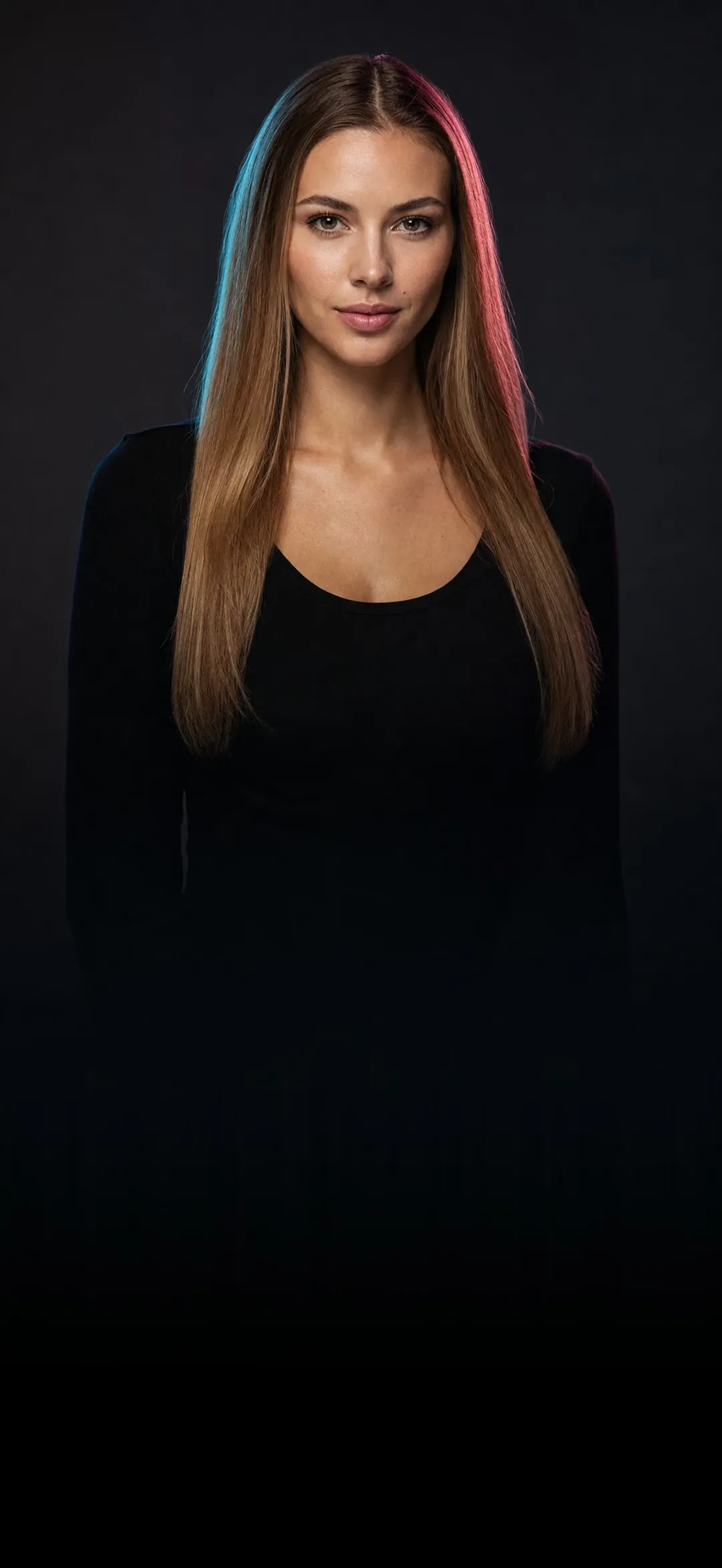
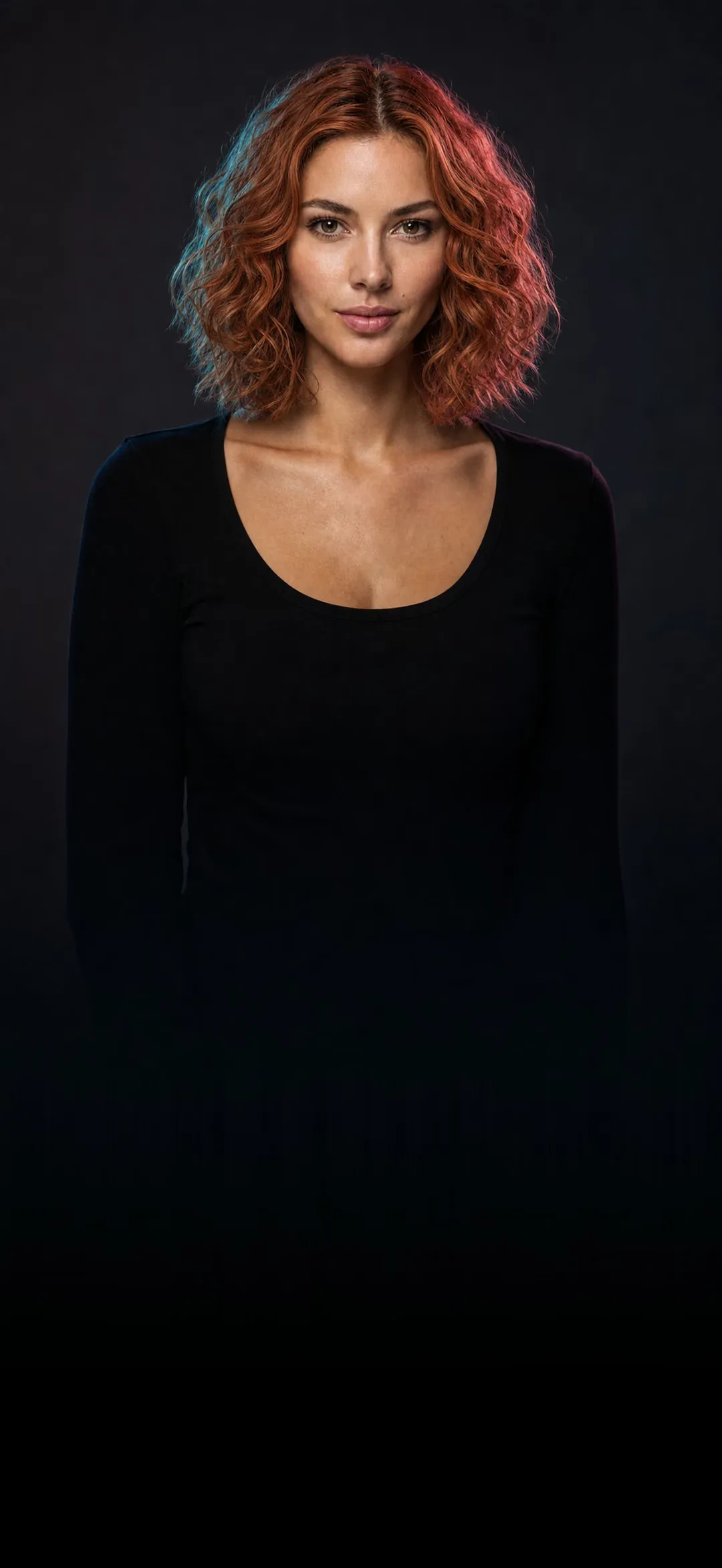



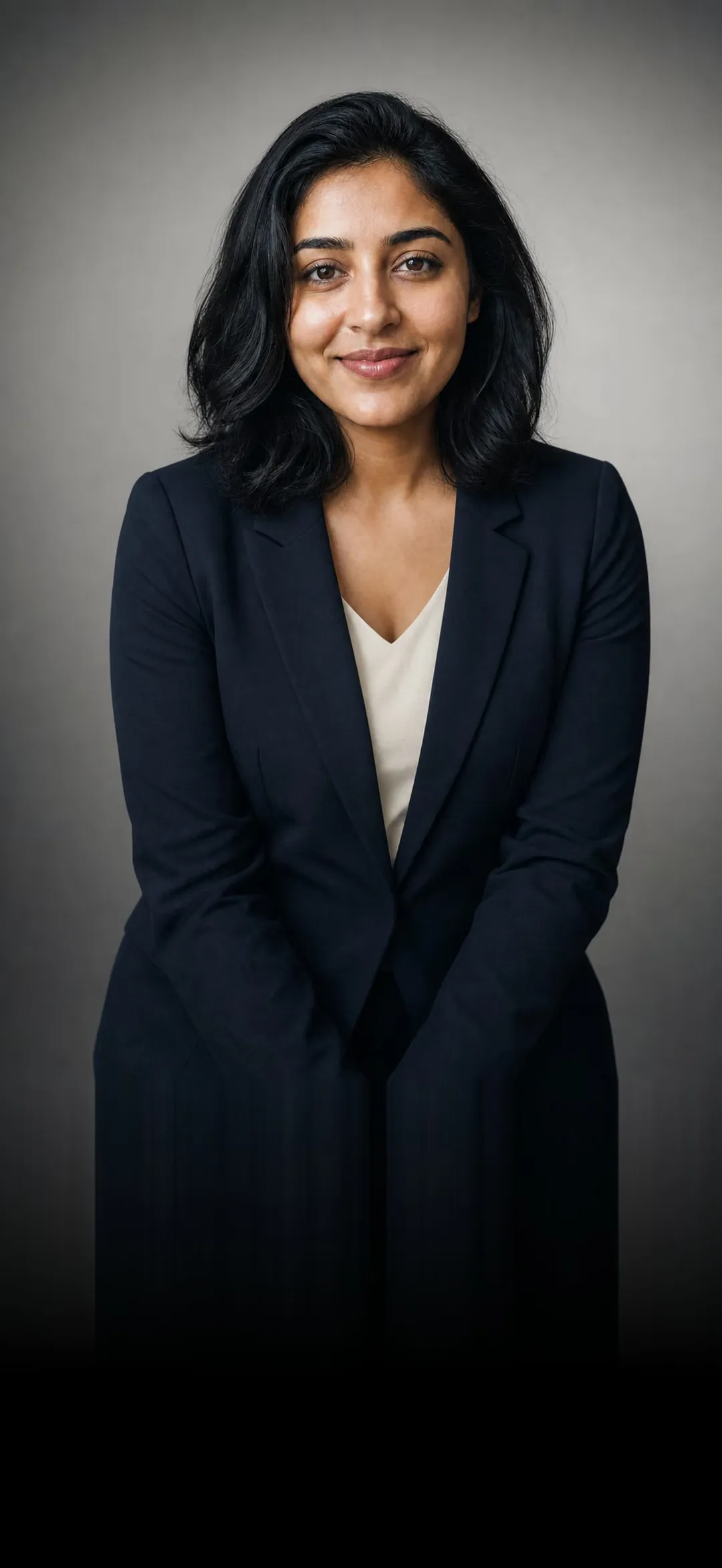


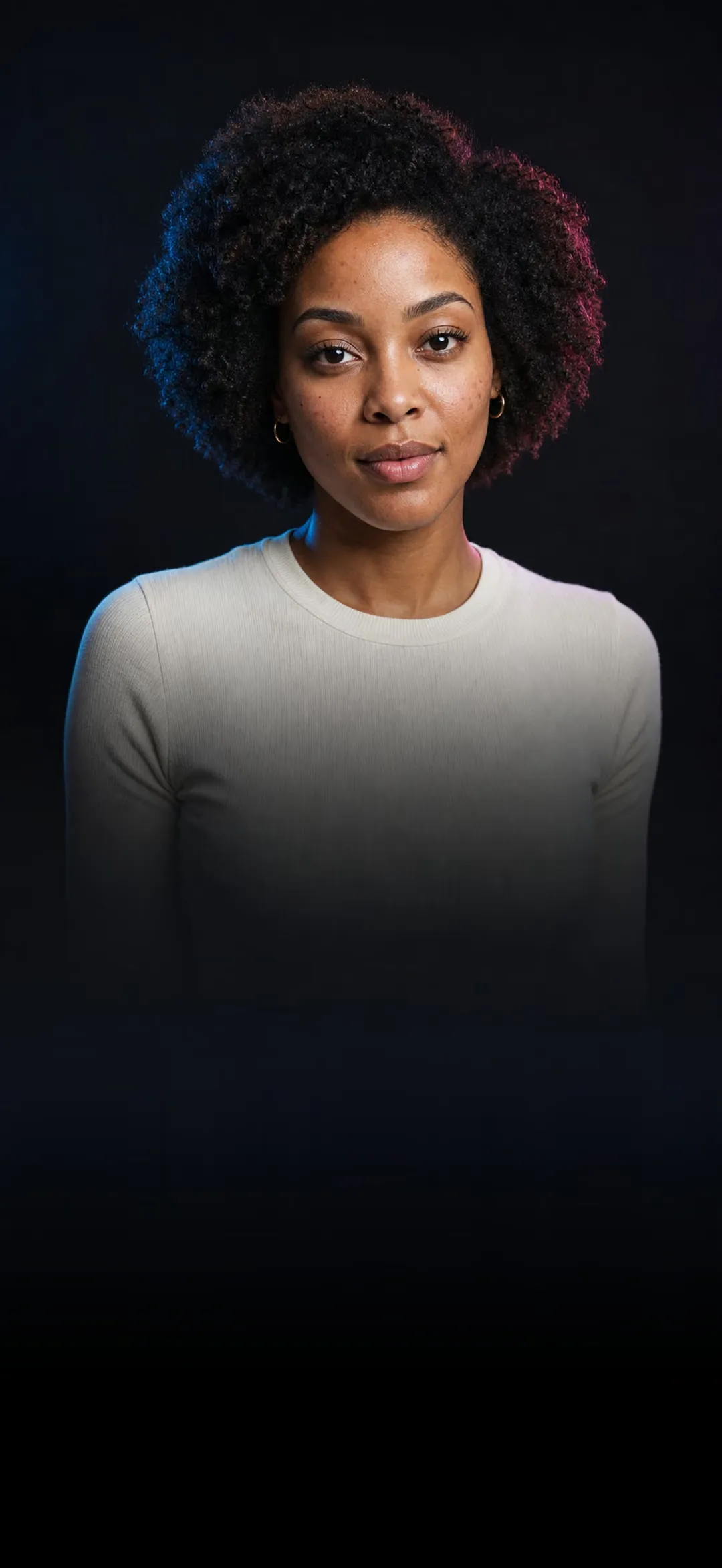
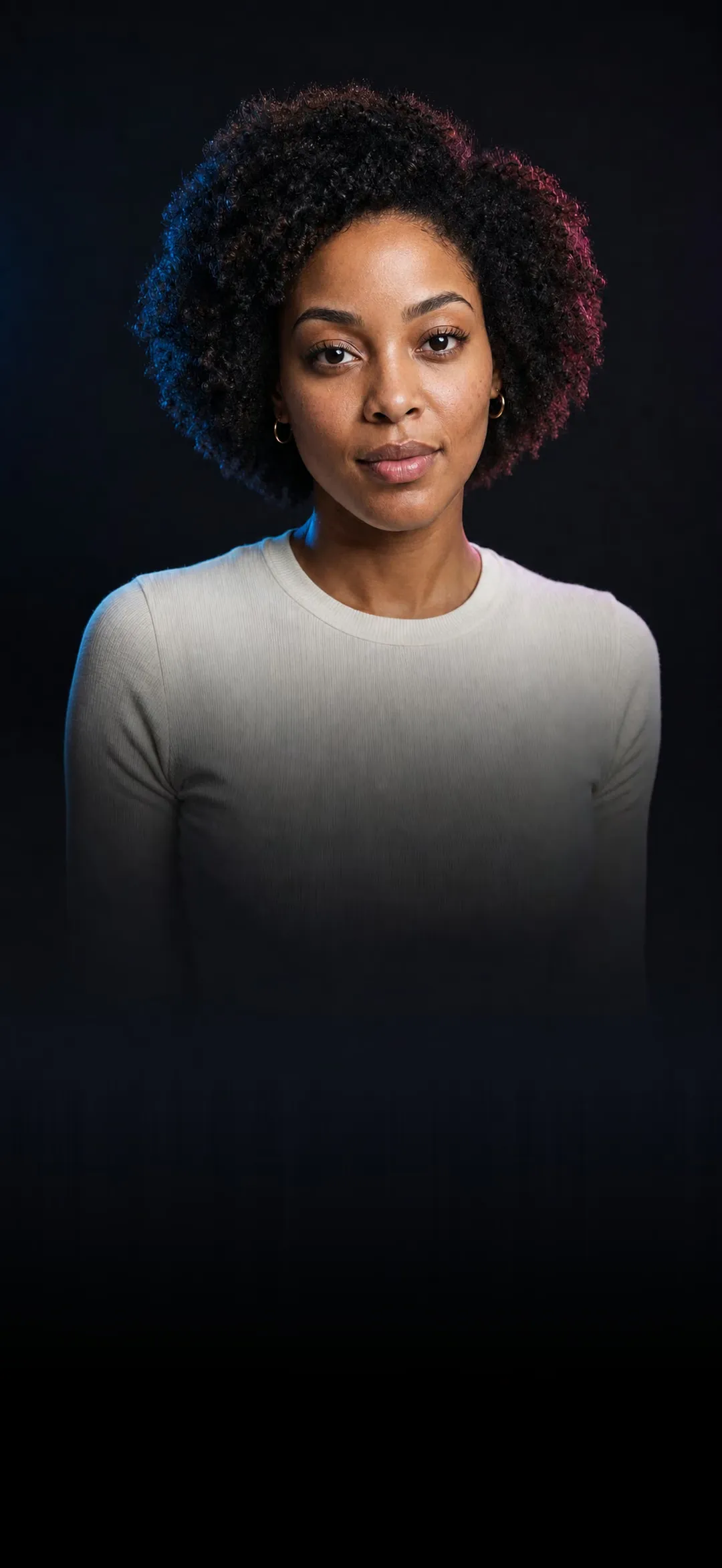
Your turn.
Start with any photo you already have.
What do you want to try first?
Every look has its own page, with an example and the answers people ask for.
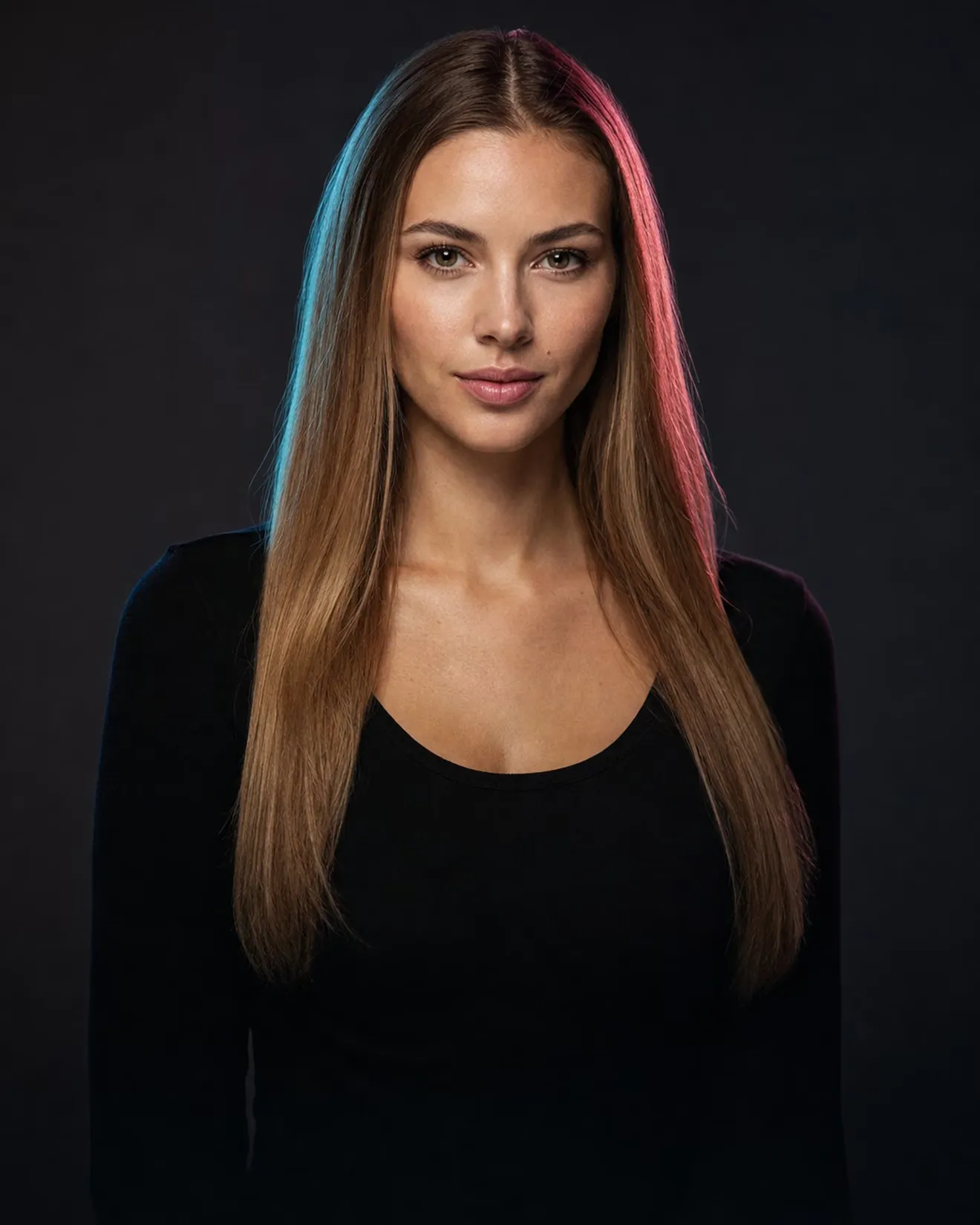
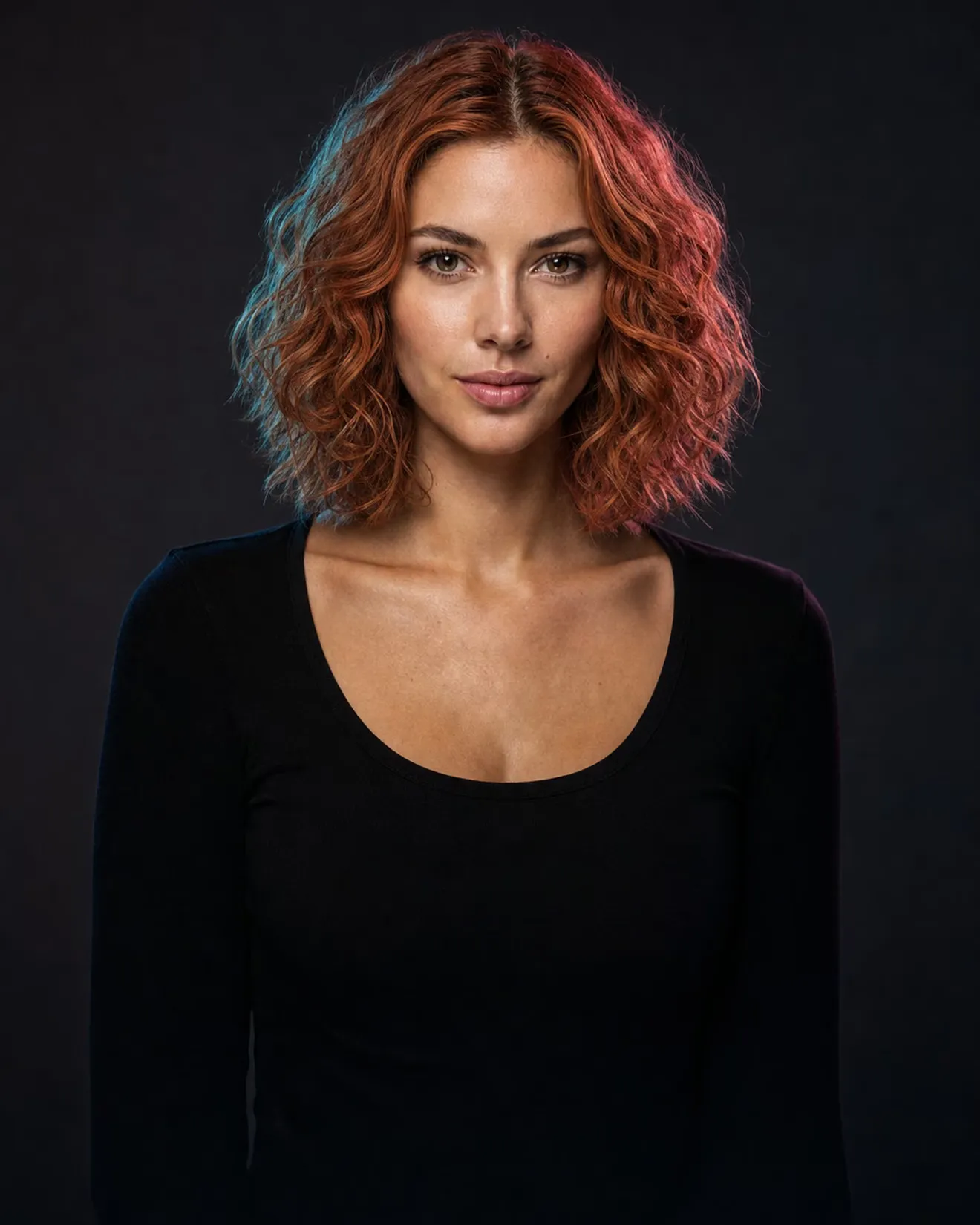
- Haircut & colorLong brunette to an auburn bob
- TattooA sleeve, before it's permanent
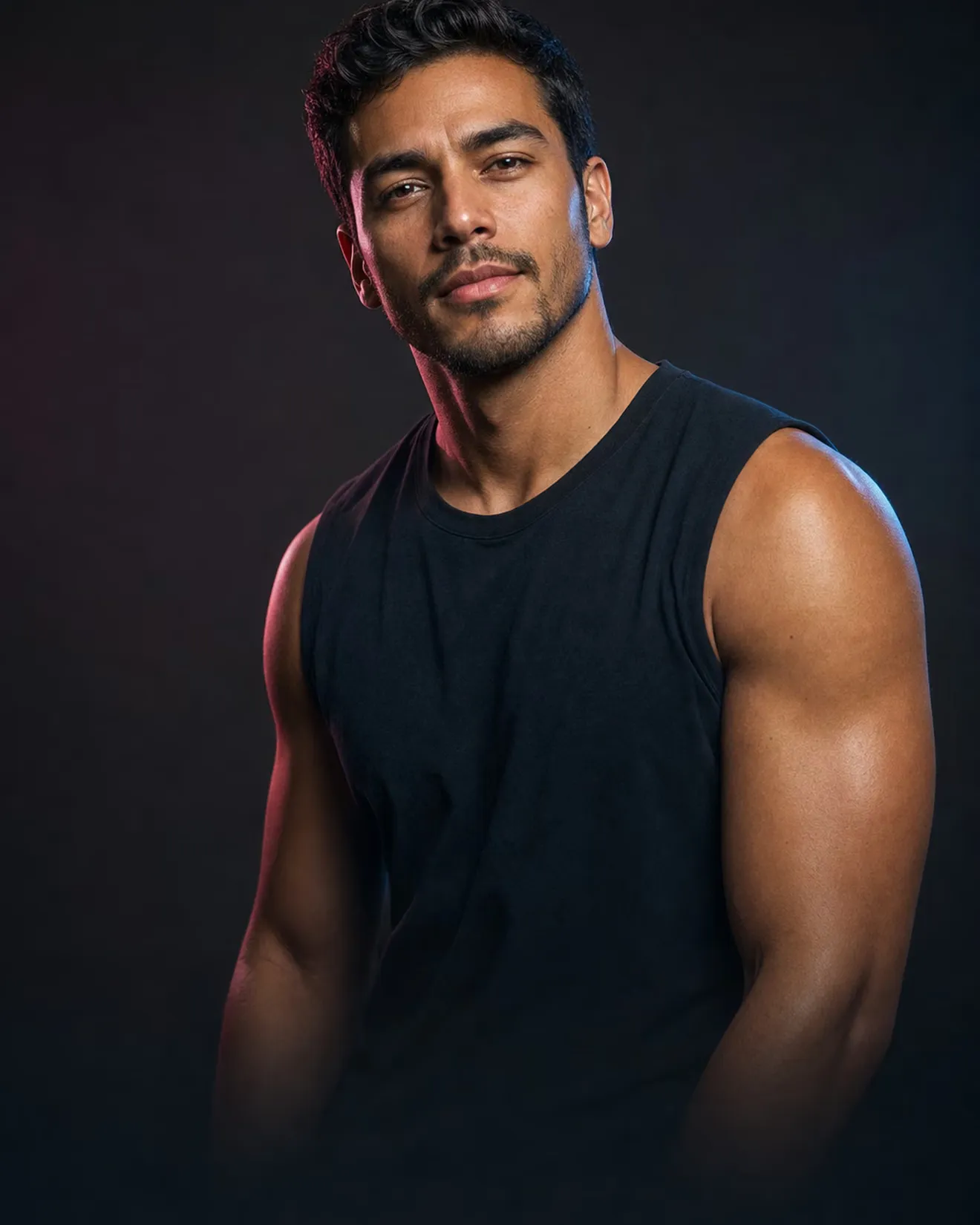

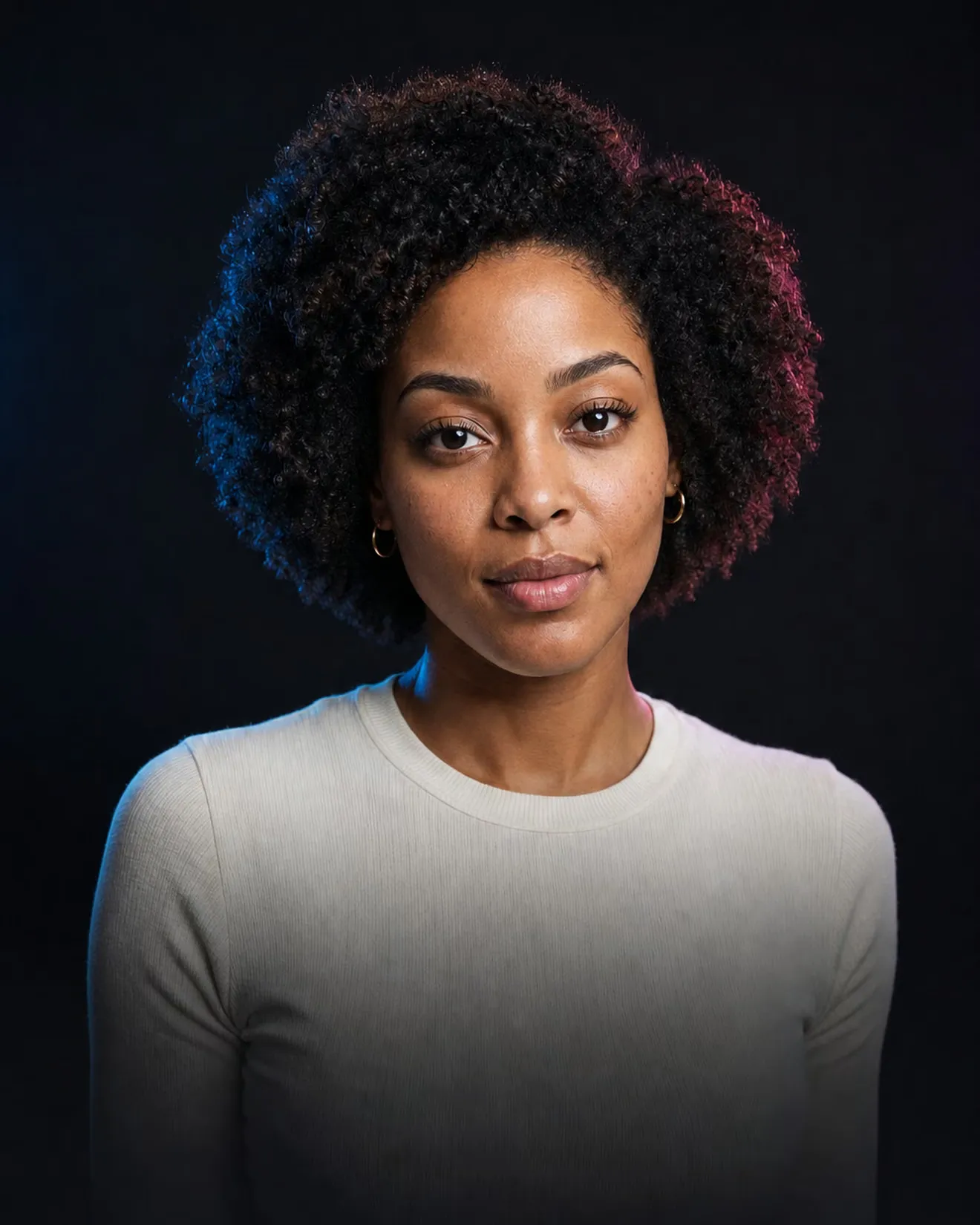
- HeadshotLiving-room selfie to studio portrait
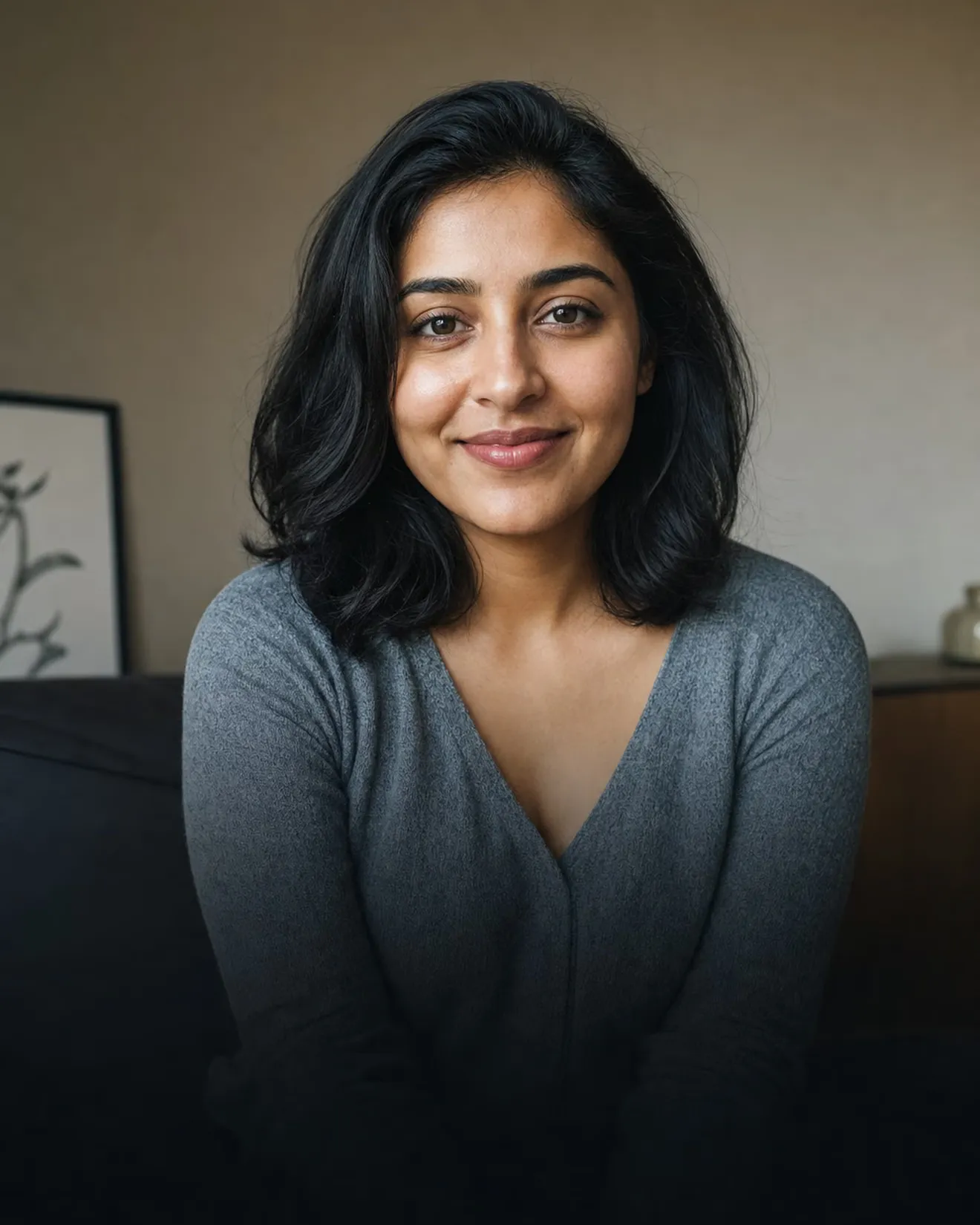
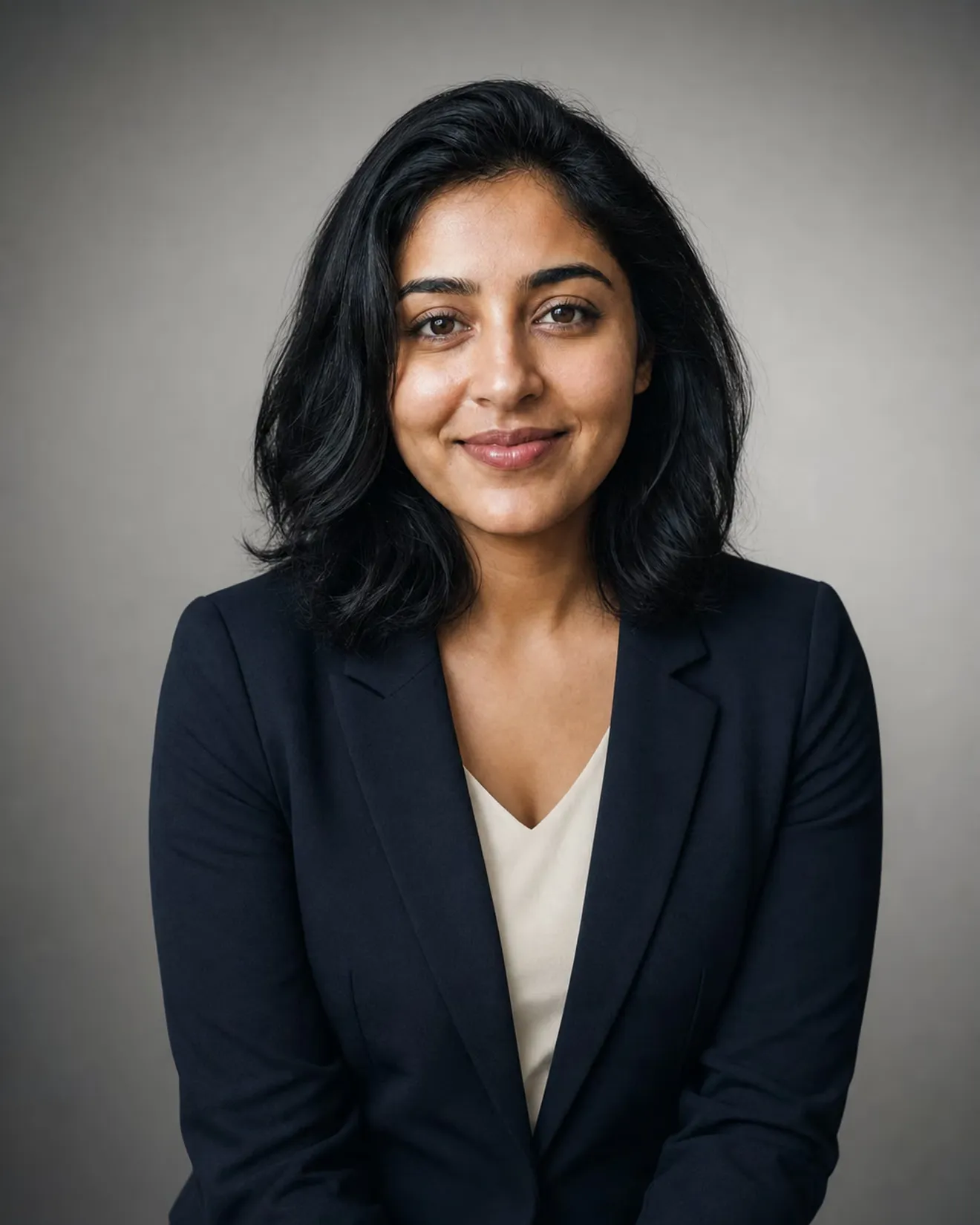
- AgeThirty years from now


- RetouchSame face, better light
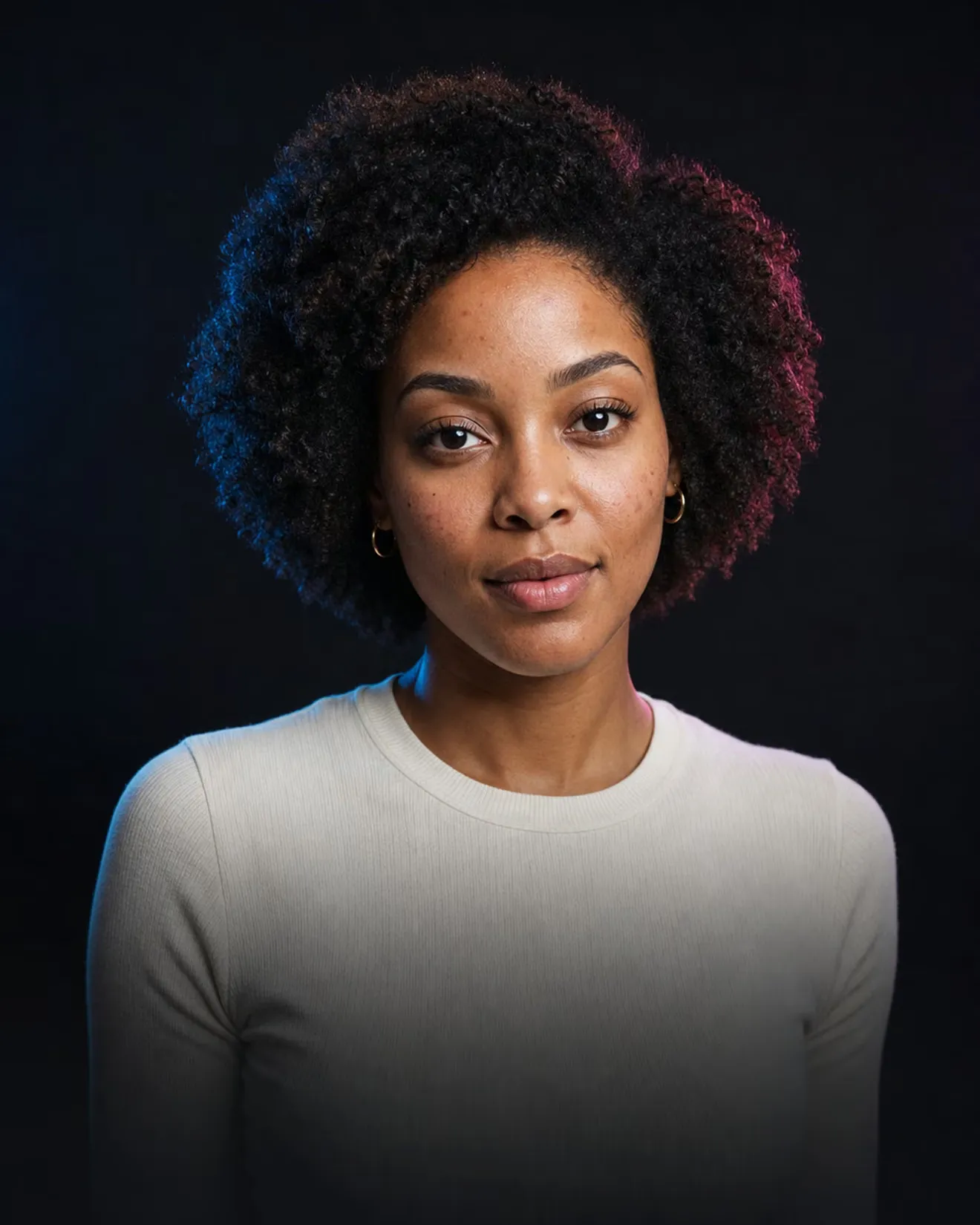
And there's more
Beard styles
Stubble, boxed, full, goatee. Know before you grow.
Hair color
Auburn, warm blonde, rose pink, silver, or your own.
Gender swap
The version of you nobody has met.
Face swap
Put yourself in a movie scene or a painting.
SoonOutfit try-on
Add a photo of the jacket. See it on you.
SoonFuture baby
Two photos, one playful guess. Not a prediction.
Soon
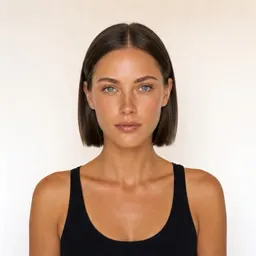
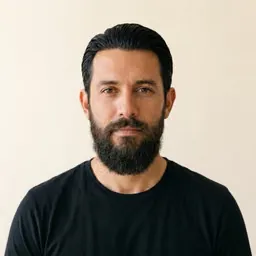

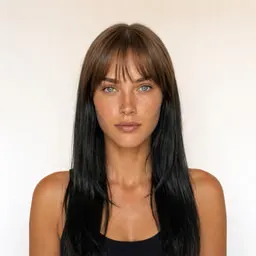
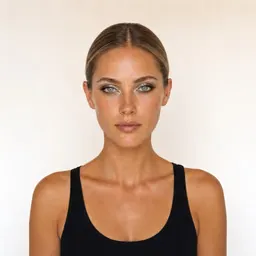



A growing library of15+ tools380+ looks120+ cuts and colors
Try it here
See the difference for yourself.
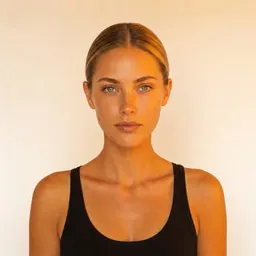
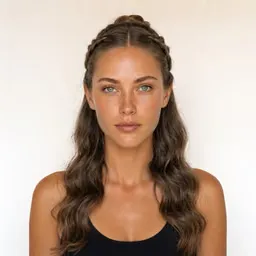
Each pair is one photo and one edit. Only the thing that was asked for changes.
Still you
New look, same you.
Every edit is a version
Try the cut, then the color, then a beard. Step back to any point and branch off.
Your face stays yours
Expression, pose and features stay put. If it doesn't look like you, it doesn't count.
Nothing else moves
Ask for a new haircut and the background, clothes and lighting stay as they were.
Nothing is final
Every edit is a new version. Go back to any step and try a different direction.
Your photos, your call
Delete your photos or your whole account from the app, any time.
Your new look is three taps away.
Pick a photo
A selfie you already have works. FaceKit remembers your last one.
Tap a look
Choose a cut, a color, a tattoo or a headshot style. Typing is optional.
Compare and keep going
Drag to compare, try another, or go back to any earlier version.
You might be wondering
Will it still look like me?
That is the point. FaceKit keeps your face, expression and pose and changes only the thing you picked. If a result drifts, try again or step back a version.
Do I have to write prompts?
No. Every tool starts with presets you tap. You can describe something specific if you want to.
What does it cost?
Your first edit is free. FaceKit Pro has a 7-day free trial on the yearly plan; the App Store shows the price in your currency before you confirm.
What happens to my photos?
They are used to make your edits. You can delete them, or your account, from the app at any time. Details are in the privacy policy.
Can I edit a photo of someone else?
Only with their permission. Please don't use FaceKit to embarrass or deceive anyone.
Is Face Aging accurate?
No, and we don't pretend it is. Aging, and Future Baby when it arrives, are playful guesses, not predictions.
Is there an Android app?
Not yet. FaceKit is on iPhone today.
Still have a question? Ask the team
Be anyone with FaceKit.
Try the cut, the color or the tattoo tonight. Decide tomorrow.