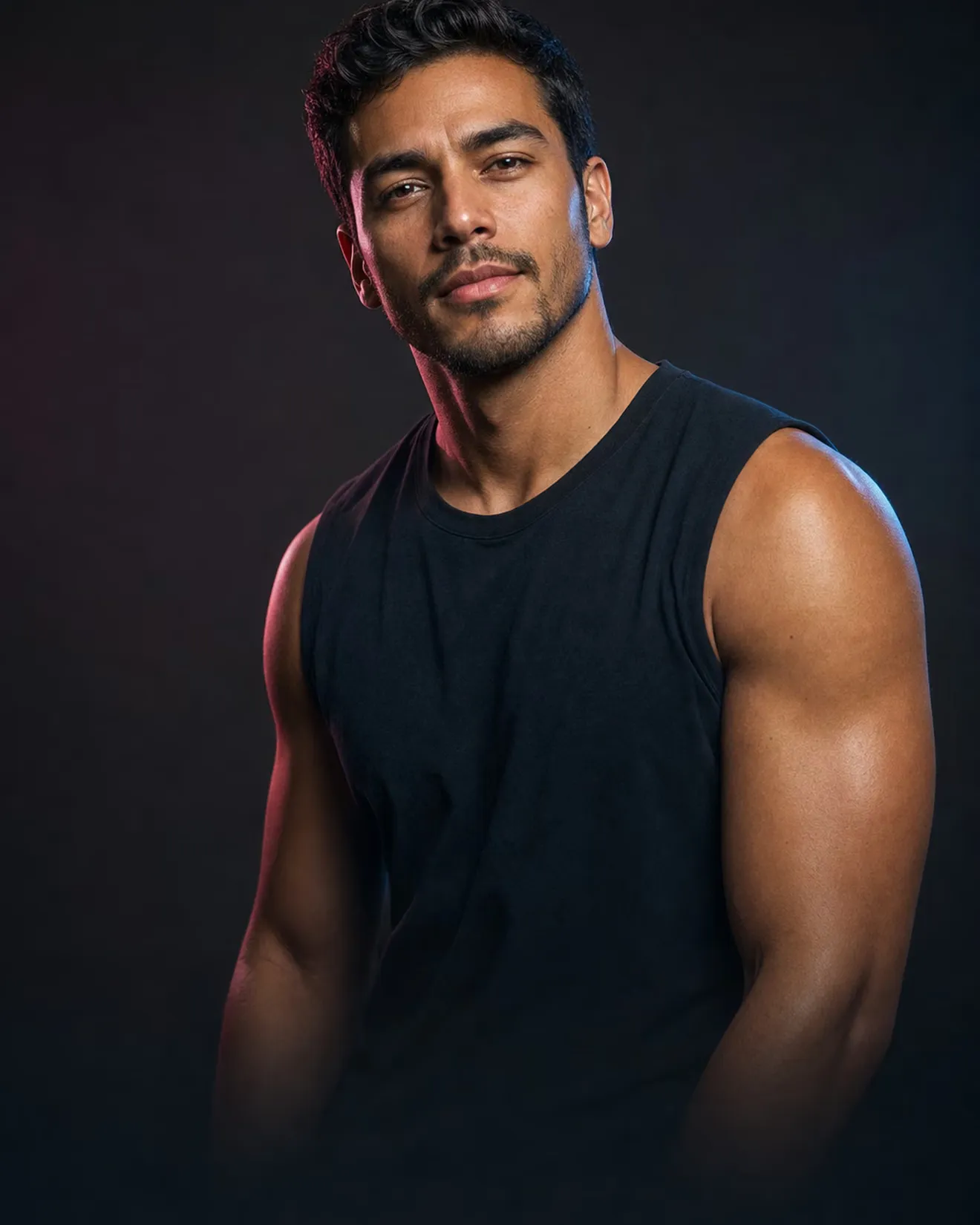
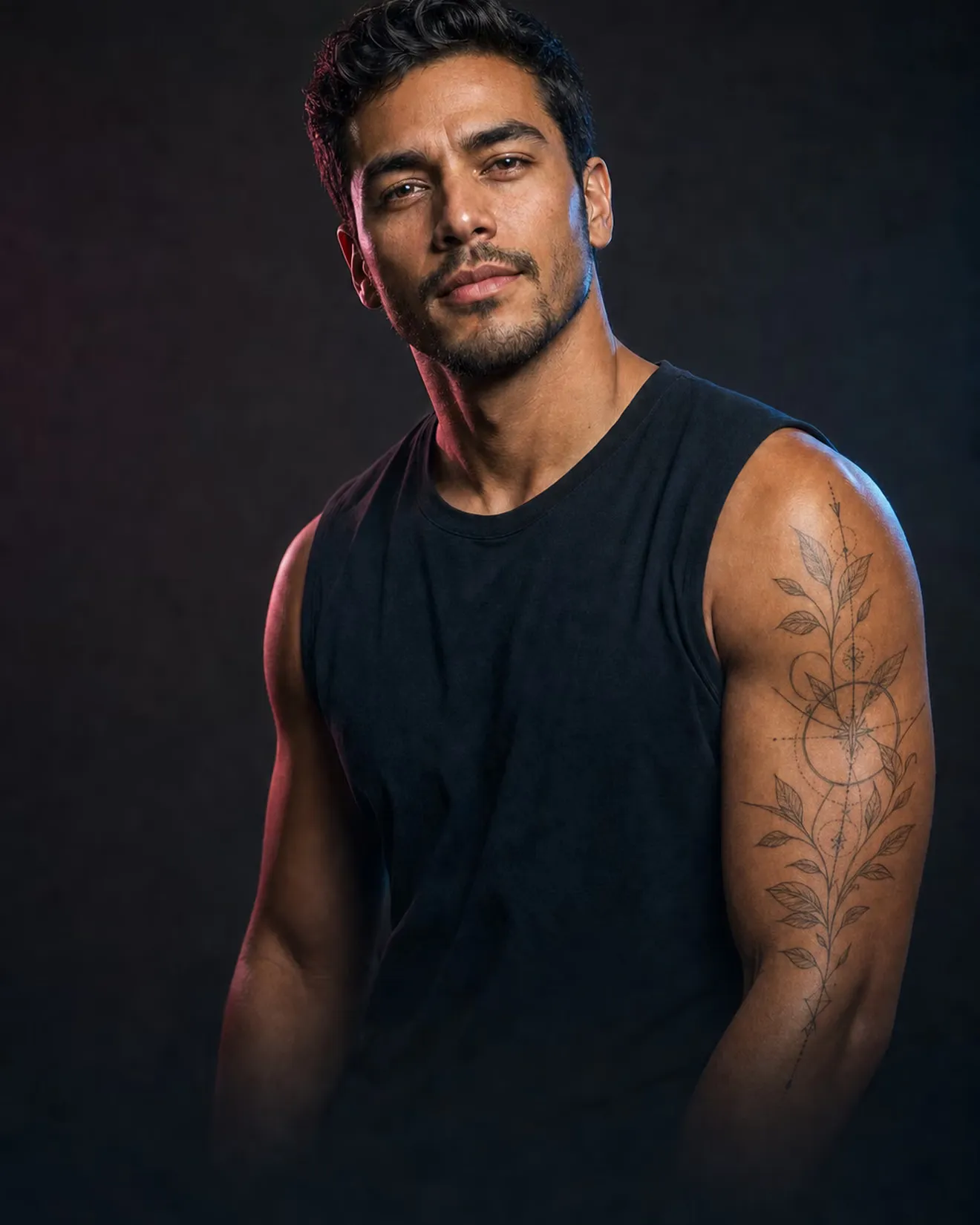
Place any design on your arm, back or wrist, change the size, and live with it before you book.
- Use our designs, your artist's sketch, or describe one
- Move it, resize it, try it in color
- Already have one? Preview a cover-up or removal
Your new look is three taps away.
Pick a photo
A selfie you already have works. FaceKit remembers your last one.
Tap a look
Choose a cut, a color, a tattoo or a headshot style. Typing is optional.
Compare and keep going
Drag to compare, try another, or go back to any earlier version.
You might be wondering
Can I upload my artist's design?
Yes. Add a photo of the sketch and place it where it will go.
Is it free?
Your first edit is free. FaceKit Pro has a 7-day free trial on the yearly plan.
Will it look real?
It follows the skin, the light and the curve of the arm. It is a preview, so bring it to your artist for the final call.
Still have a question? Ask the team
Wear the tattoo before it's permanent.
Try a tattoo on my photo7 days free, then $49.99/year · Cancel any time in iPhone Settings, including during the trial.